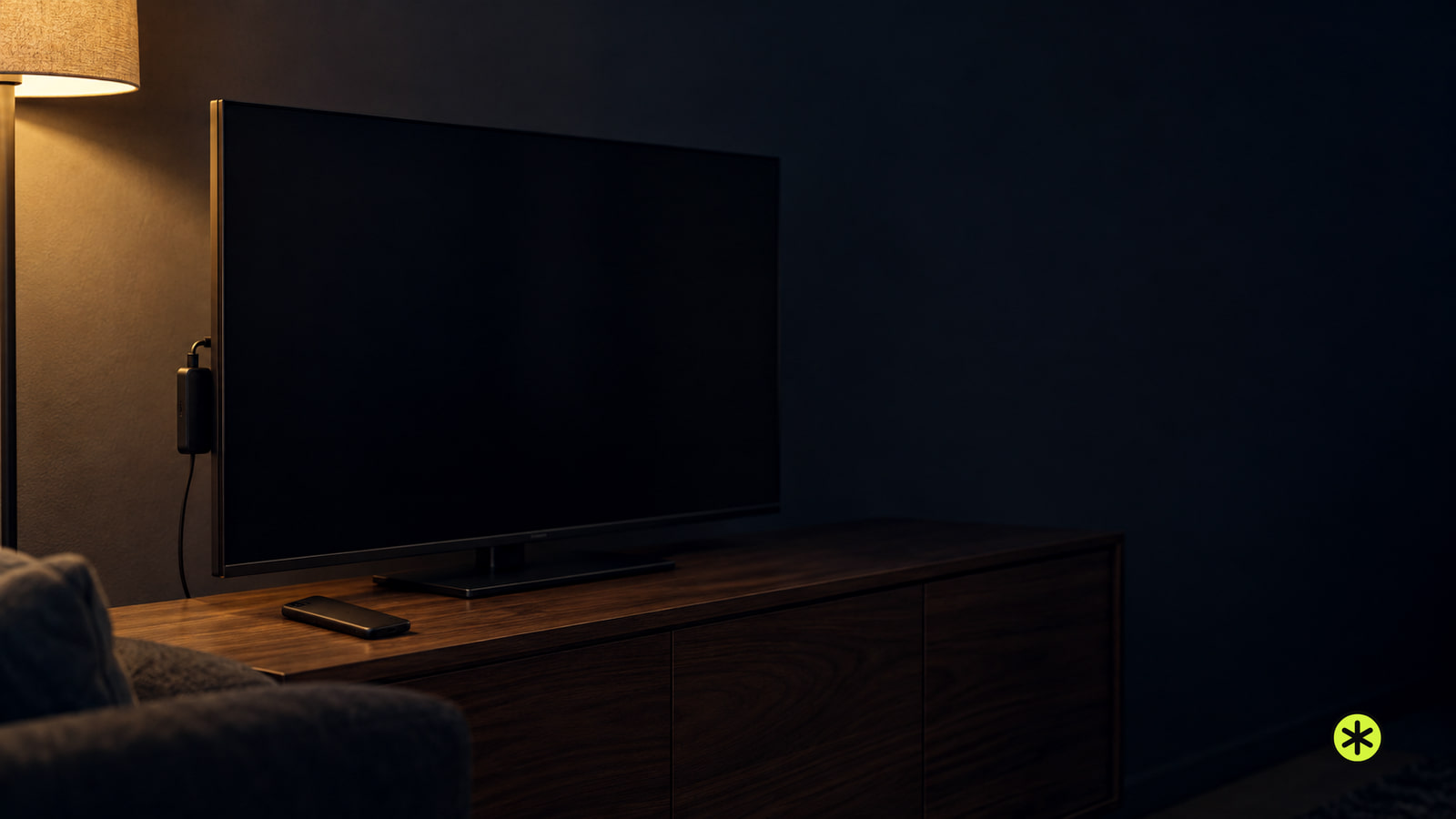

Why Does My Panasonic TV Not Turn On After a Power Outage?
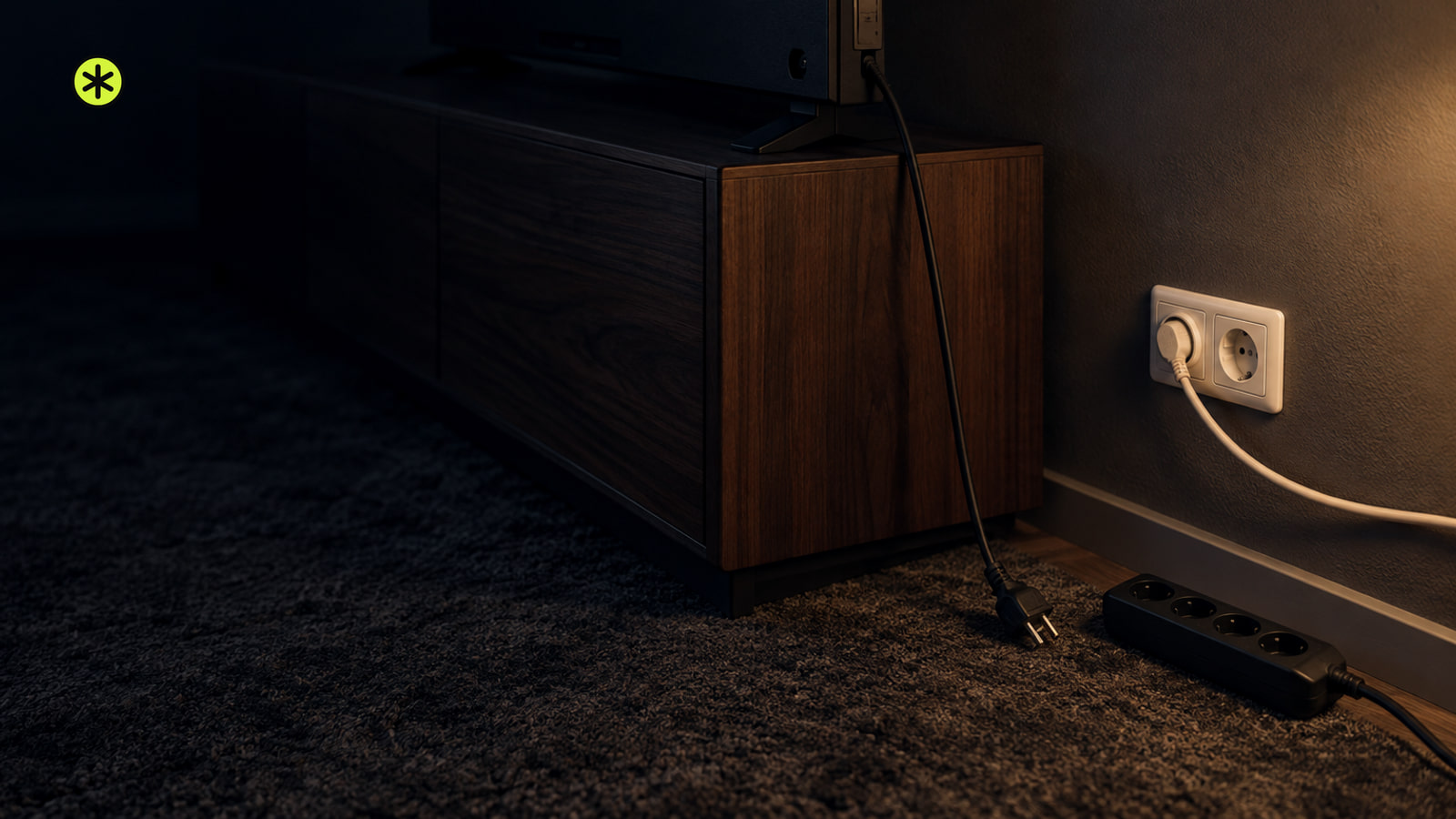
Test the outlet with a lamp, then watch the TV’s power light. A dark, steady, or repeatedly blinking light points to a different next check.
TunedRoom presentsAvailability
XGIMI extends HORIZON 30 Series preorder offers through November 10 and outlines shipping arrangements after the first Pro batch sells out.
Read the story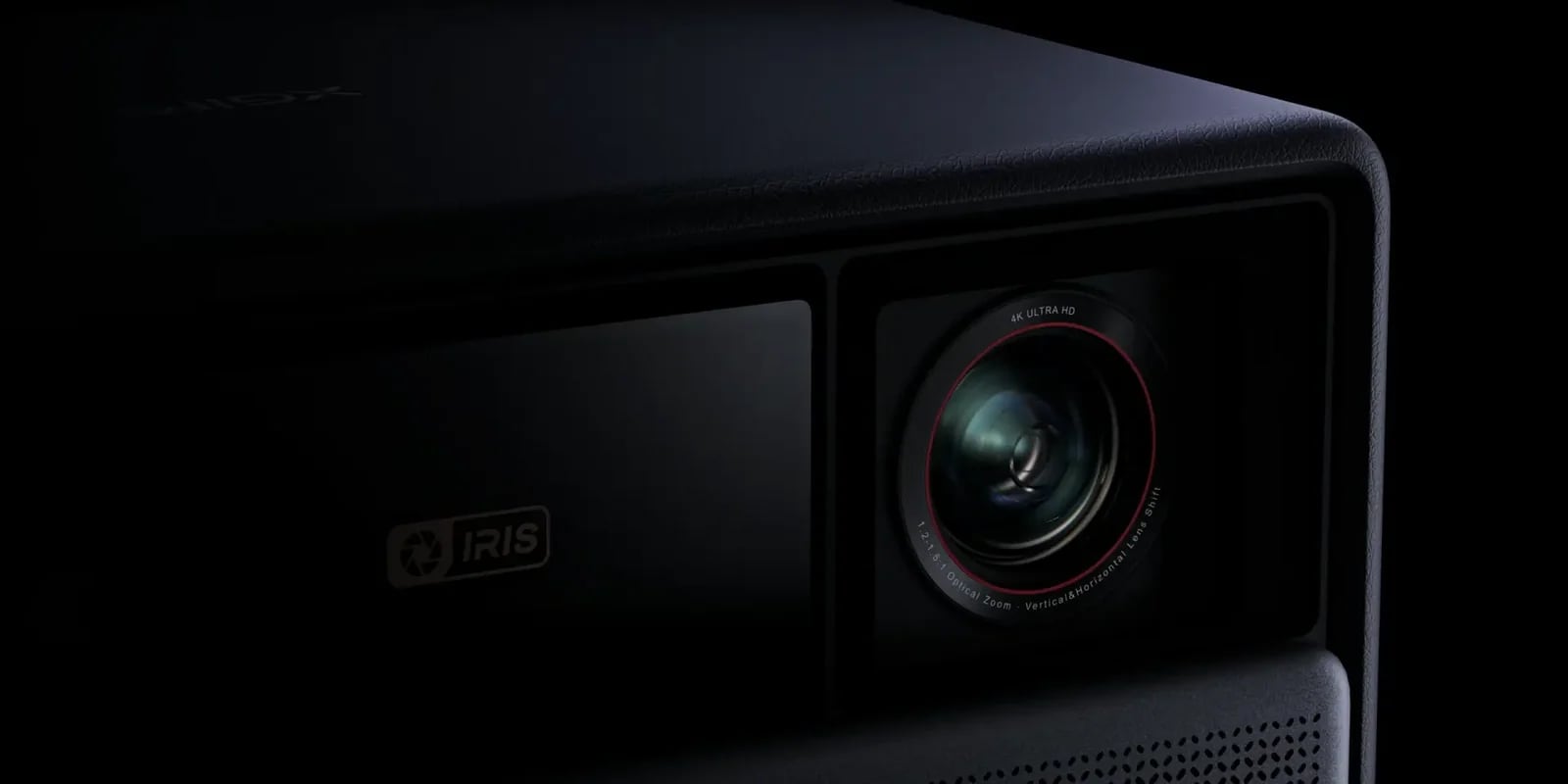
Launches, firmware, streaming changes and recalls, newest first.
All newsSetup, fixes and buying guides, billed by desk. Newest on top.
Every storyGaming headsets and monitors, console and PC audio, and the settings that connect them.
Full lineupTHE SETUP BENCH
Speaker Wiring and Cable Planner
ONE CHANNEL / PARALLEL EXAMPLE
Map supported speaker connections. Compare nominal loads and copper cable sizes, then print the diagram and assumptions.
Open the wiring plannerTest the outlet with a lamp, then watch the TV’s power light. A dark, steady, or repeatedly blinking light points to a different next check.
SmartThings not connecting to your Samsung TV? Run the TV's network test, match Wi-Fi and account, then add it again or report the failure.
If your TV picture is visible but dim, try picture settings first. If it's black, open the TV menu and compare another source; persistent dimming across both may need service.
HDMI 1.4 carries picture and sound, including 4K at up to 30 Hz and 1080p at 120 Hz. ARC, 3D, and Ethernet depend on the devices.
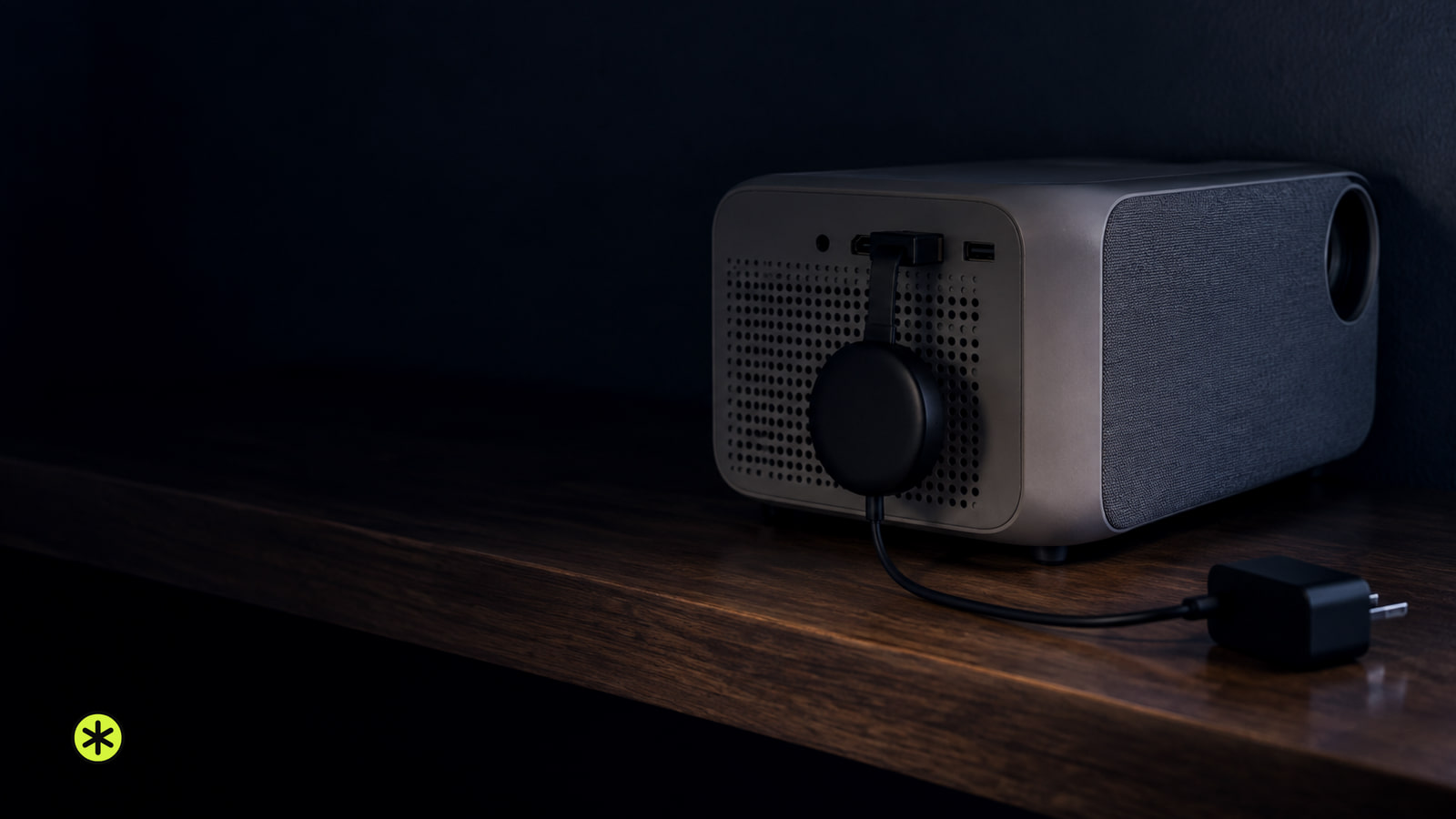
Plug the Chromecast into the projector’s HDMI input, power it, and select that input. Finish setup, then test a video and its sound.
Netflix cast icon missing or your TV not showing up? Check your plan and target first, then follow the phone, Wi-Fi and app checks that fit.